
How to Update Your Address with Korean Mobile Carriers: SKT, KT, and LGU+ Official Guide
August 07, 2026
If you live in Korea on a foreign registration, updating your address with your mobile carrier is one of those tasks that often gets overlooked — until your bill fails to arrive, a new device gets shipped to the wrong door, or your account flags a mismatch. This guide walks you through the official address update process for all three major Korean carriers: SKT (SK Telecom), KT, and LGU+, with verified contact details pulled directly from each carrier’s official website.
Key Takeaways- All three carriers accept address updates via phone (dial 114 free from any Korean mobile), their official app, website, or in-store visit.
- Foreigners must present their Alien Registration Card (ARC / 외국인등록증) when updating in person.
- Your address on file must match the address on your ARC for billing and regulatory compliance.
- KT and LGU+ both have dedicated paid customer service lines for faster resolution.
- SKT provides English-language email support at callcenter@sk.com.

Why Your Registered Address Matters for Korean Mobile Service
Korean telecommunications providers are required by law to maintain accurate subscriber records, including a registered address. This address is used for:
- Monthly billing and invoice delivery — even if you receive e-bills, a mailing address is required in the system.
- Device delivery — when you order a new handset through the carrier, it ships to the address on file.
- Identity verification — carriers cross-reference your address against the information on your ARC or resident registration.
- Contract documents — plan agreements and legal notices are sent to the registered address.
For foreigners in Korea, the address registered with your carrier should match the address on your Alien Registration Card, which is issued by the Korea Immigration Service. If you move, you are required to update your ARC address at the nearest Immigration Office (출입국·외국인청) or through HiKorea (hikorea.go.kr), and then separately update your address with each carrier.
Documents You Need to Update Your Address
Whether you update your address online, by phone, or in store, have the following ready:
| Document | Required for | Notes |
|---|---|---|
| Alien Registration Card (ARC) | All foreigners | Primary ID for telecom accounts |
| Passport | In-store / phone verification | May be required alongside ARC |
| New address (in Korean, road-name format) | All update channels | Use your lease contract or utility bill |
| Lease contract (임대차계약서) or utility bill | In-store (if requested) | Proof of residence at new address |
Understanding Korean Address Format
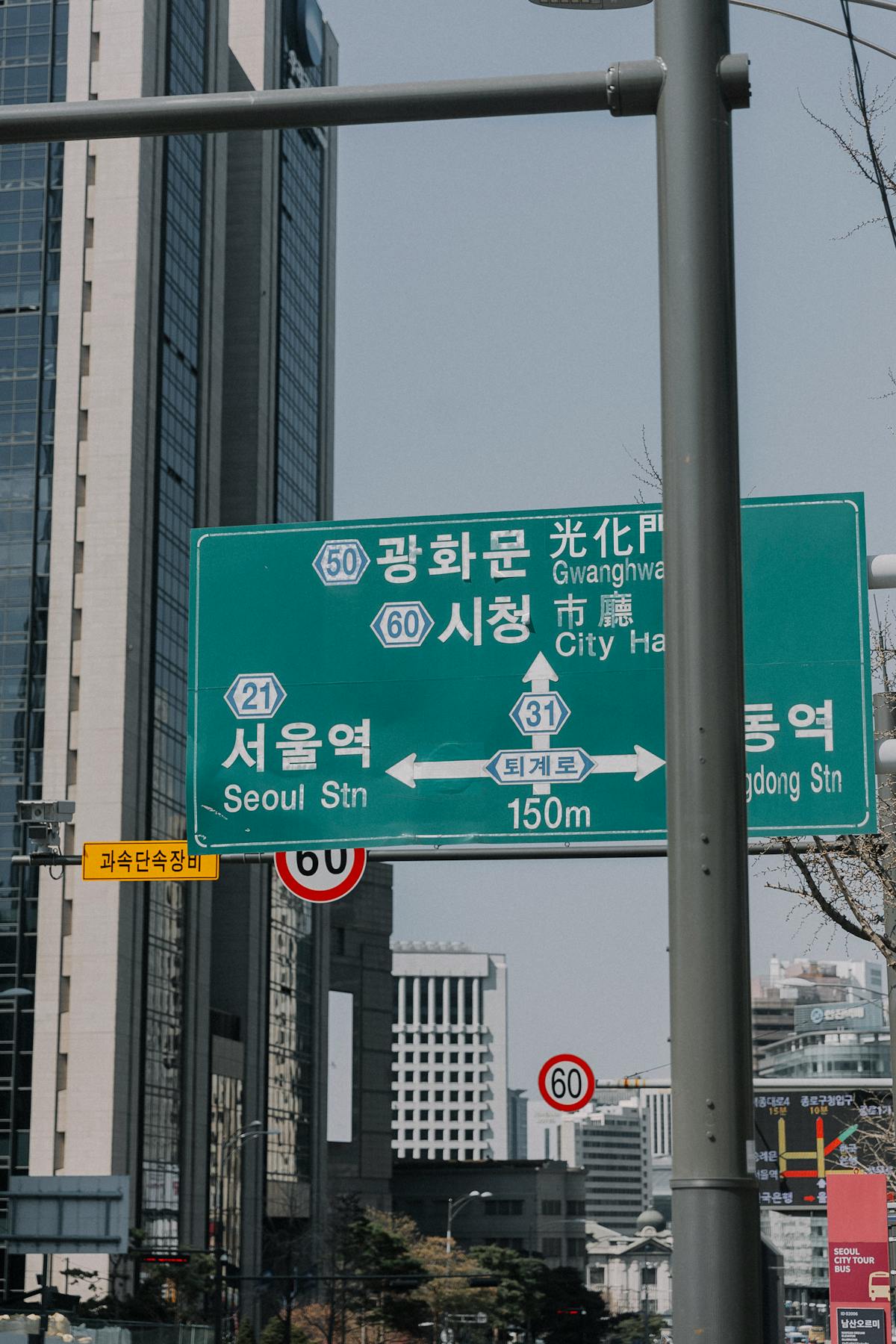
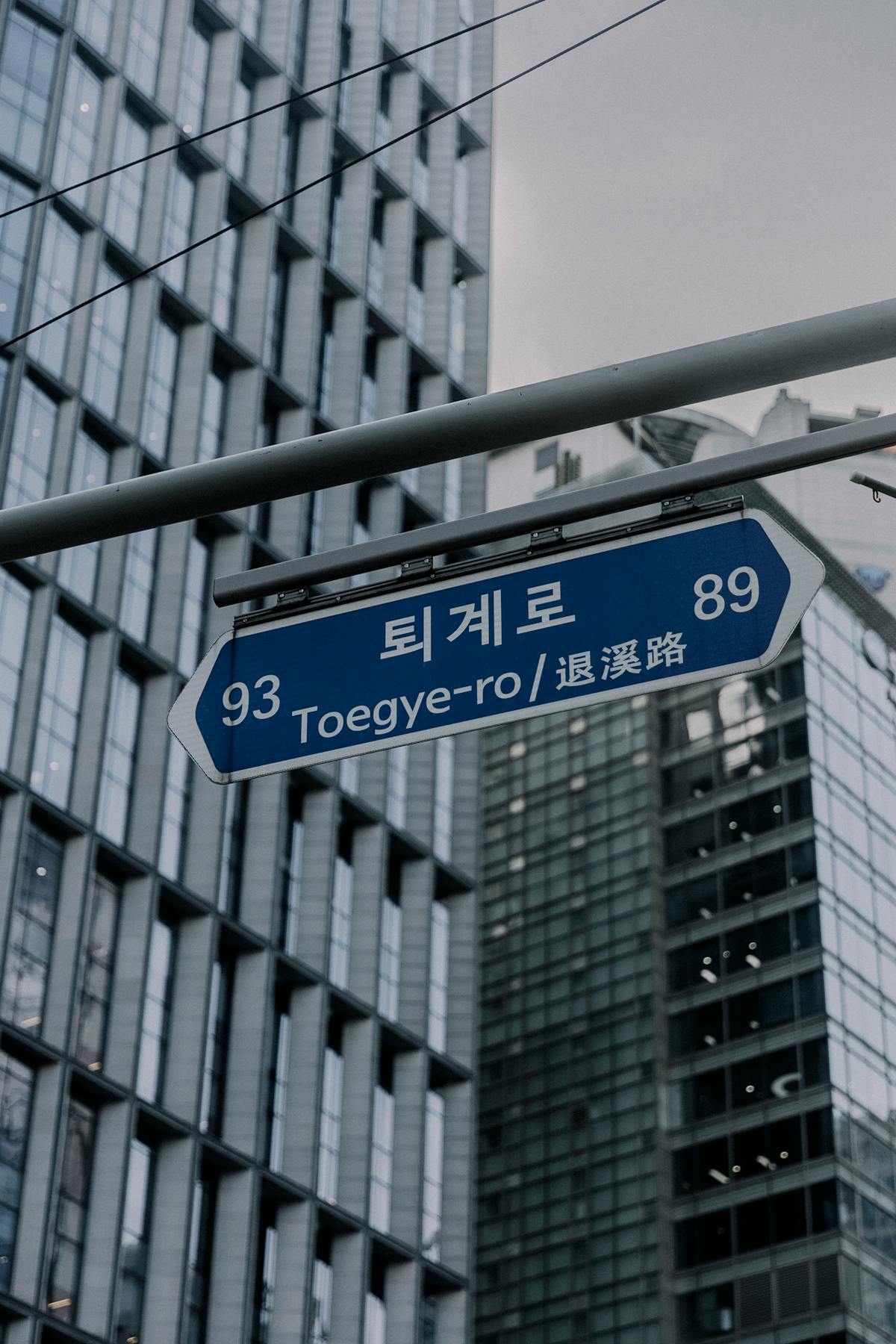
Korea officially uses the Road Name Address system (도로명주소), which replaced the older lot-number system in 2014. When entering your address with a carrier, use the road-name format — not the old dong/lot format.
The structure is:
[Province/City] [District-gu] [Road Name-ro/daero/gil] [Building Number]
Optional: [Floor / Unit / Dong]
Example (LGU+ headquarters, verified from lguplus.com):
서울특별시 용산구 한강대로 32
→ Seoul Metropolitan City, Yongsan-gu, Hangang-daero 32
If you are unsure of the exact road-name address for your residence, look it up on the official government address portal at juso.go.kr (available in Korean and English search).
SKT (SK Telecom): How to Update Your Address
SK Telecom is Korea’s largest mobile carrier. Their customer-facing portal is T world (tworld.co.kr), and their official app is T world app (available on Android and iOS).
Available channels
- T world app — Log in with your SK account, navigate to My Page (마이페이지) → Personal Information (개인정보) → Address Update.
- T world website — Visit tworld.co.kr and sign in to access account settings.
- Customer service phone — Dial 114 (free from any SKT mobile number). Service is primarily in Korean; for English assistance, use email.
- English email support — callcenter@sk.com (confirmed on tworld.co.kr). Describe your address update request in English; include your name, phone number, and ARC number for verification.
- In-store visit — Bring your ARC and passport to any SK Telecom retail store (T world 대리점/직영점). Find stores through the T world website or app.
KT: How to Update Your Address
KT (Korea Telecom) is Korea’s second-largest carrier. Their customer portal is kt.com and their app is My KT.
Available channels
- My KT app — Log in and navigate to My Page → Personal Information to update your address.
- kt.com website — Sign in at kt.com to access account settings.
- Customer service phone:
- 114 — free from KT mobile numbers
- 1588-0010 — paid line, accessible from any phone
- 100 (no area code) from a landline, or [area code] + 100 from mobile — for internet/TV/phone services
Source: kt.com official customer service page
- In-store visit — Visit any KT service center or authorized retailer with your ARC and new address information.
KT customer service hours
KT customer service operates 24 hours a day, 365 days a year for mobile inquiries via 114. Visit kt.com to confirm current hours and availability.
LGU+: How to Update Your Address
LG U+ is Korea’s third major carrier, headquartered at 서울특별시 용산구 한강대로 32 (LG U+ Building, Yongsan-gu, Seoul). Their portal is lguplus.com and their app is My LGU+.
Available channels
- My LGU+ app — Log in and navigate to account settings to update your address.
- lguplus.com website — Access account management after signing in at lguplus.com.
- Customer service phone:
- 114 — free from LGU+ mobile numbers
- 1544-0010 — paid line, accessible from any phone
- 101 — free, for internet/IPTV/phone services
- 1644-7000 — paid internet service line
- 1644-7009 — new mobile subscription inquiries
Source: lguplus.com official website
- In-store visit — Bring your ARC, passport, and new address proof to any LGU+ retail location or service center.
Carrier Address Update Comparison
| Feature | SKT | KT | LGU+ |
|---|---|---|---|
| Free CS (mobile) | 114 | 114 | 114 |
| Paid CS line | — | 1588-0010 | 1544-0010 |
| English support | Email: callcenter@sk.com | In-store | In-store |
| Official app | T world | My KT | My LGU+ |
| Official website | tworld.co.kr | kt.com | lguplus.com |
Tips for Foreigners Updating Their Carrier Address
- Update your ARC first. If you have moved and your ARC still shows your old address, update it at the nearest Immigration Office or through hikorea.go.kr before contacting your carrier. Carriers may ask for a document showing the new address, and your ARC is the primary accepted form of ID.
- Use the road-name address (도로명주소). The old lot-number system is no longer used officially. Find your exact road-name address on juso.go.kr.
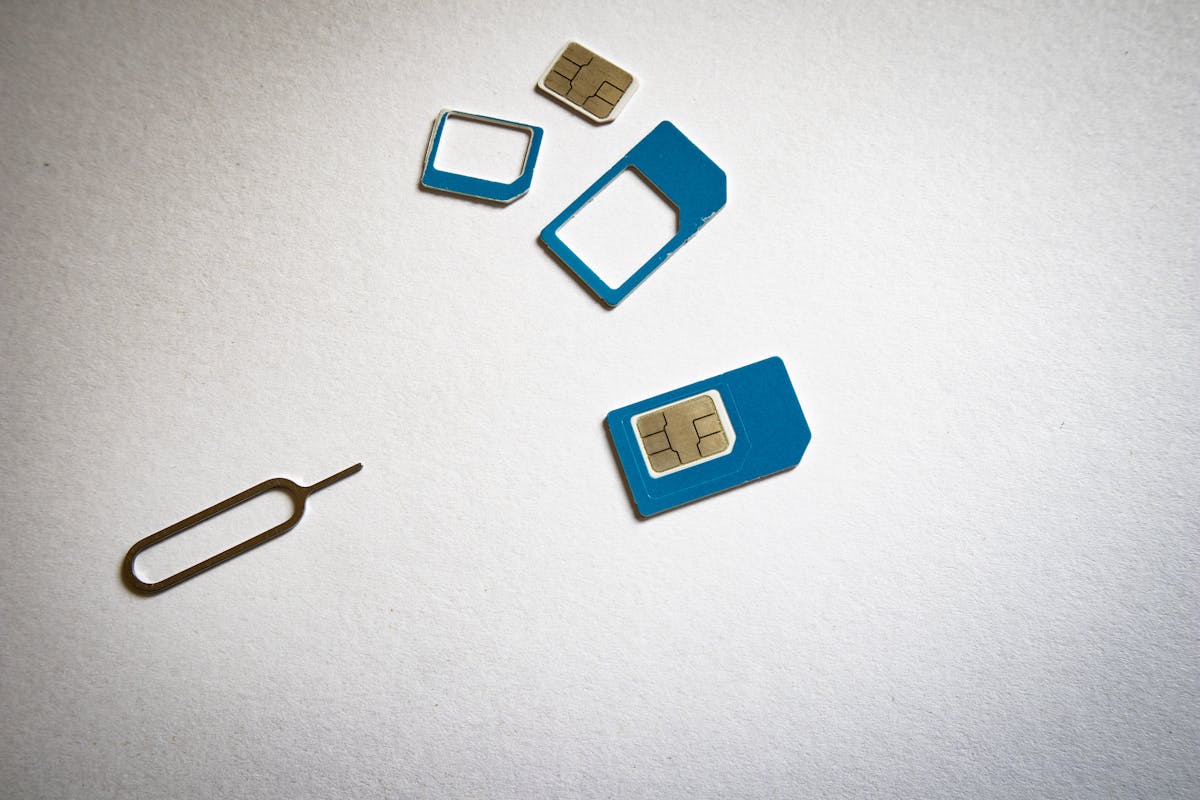
- Call 114 from your carrier’s SIM. Dialing 114 from your own SIM connects you directly to that carrier’s customer service for free. If you have multiple devices or SIMs, make sure you dial from the number you want to update.
- For SKT in English, use email. SKT’s confirmed English-language support channel is callcenter@sk.com. Phone representatives may have limited English proficiency.
- In-store is the most reliable option for foreigners. If you run into difficulties online or over the phone (e.g., identity verification issues), visiting a carrier-operated store (직영점) with your ARC and passport in hand is the most direct path to resolution.
- Keep your address consistent. Mismatches between your ARC address, carrier address, and bank address can cause issues with identity verification services (PASS, NICE, KCB) used across Korean apps and services.

Frequently Asked Questions
Can I update my address online without visiting a store?
Yes. All three carriers — SKT, KT, and LGU+ — allow address updates through their official apps (T world, My KT, My LGU+) and websites. You will need to be logged in with your carrier account, which requires phone number verification via the SIM on your account.
What number do I call if I am roaming abroad?
If you are currently outside Korea, dialing 114 will not work. Use the paid international lines: KT at +82-1588-0010 or LGU+ at +82-1544-0010. SKT users can email callcenter@sk.com from anywhere in the world.
Do I need to update my address in person if I am a foreigner?
Not necessarily — online and phone updates are available for foreign subscribers. However, some carriers may require in-person verification for certain account changes. If your identity verification fails online, a store visit with your ARC and passport is the reliable fallback.
What happens if I do not update my address?
Your carrier continues to use the old address on file for billing documents and device deliveries. In some cases, address mismatches can interfere with Korean identity verification services used by banking, government, and financial apps.
Is 114 free from any phone, or only from that carrier’s phone?
114 is free when called from a mobile number belonging to that specific carrier — SKT’s 114 connects to SKT, KT’s 114 connects to KT, and LGU+’s 114 connects to LGU+. If you call from a different carrier’s number, you will reach the wrong carrier’s service. For cross-carrier calls, use the paid direct-dial numbers listed above.
What if my Korean address is in the old lot-number format (지번주소)?
You can convert any old-format Korean address to the official road-name format at juso.go.kr. Enter the old address in the search field and the system returns the equivalent road-name address.
Conclusion
Keeping your address current with your Korean mobile carrier is a small task that prevents larger headaches — from missed deliveries to failed identity checks across Korean digital services. The fastest path is the carrier app or website if you have your login credentials. For English-language support, SKT’s callcenter@sk.com is the only confirmed English email channel among the three major carriers. KT and LGU+ both offer paid phone lines (1588-0010 and 1544-0010 respectively) that can be dialed from any phone, including non-Korean numbers, for account service.
If your Korean address itself is unclear, use Jusome to look up and verify your road-name address in English before contacting your carrier — it ensures you enter the exact format the carrier’s system expects.
Sources / 참고 자료
- T world (SKT Official Customer Portal) — English support email callcenter@sk.com confirmed
- KT Official Website (kt.com) — Customer service numbers 114, 1588-0010, 100 confirmed
- LG U+ Official Website (lguplus.com) — CS numbers 114, 1544-0010, 101, 1644-7000 and HQ address confirmed
- HiKorea (Korea Immigration Service) — Foreigner registration and ARC guidance; Immigration hotline 1345
- 주소정보누리집 / Juso.go.kr (Ministry of the Interior and Safety) — Official Korean road-name address lookup system
본 글은 위 공식 출처에서만 정보를 인용하여 작성되었습니다. 정보가 변경될 수 있으니 최신 정보는 공식 사이트에서 확인하세요.
What to do next
Guides for actually using your Korean address abroad.